If your MIDAS booking system is currently configured to send emails via Microsoft’s SMTP servers, it’s time to take action.
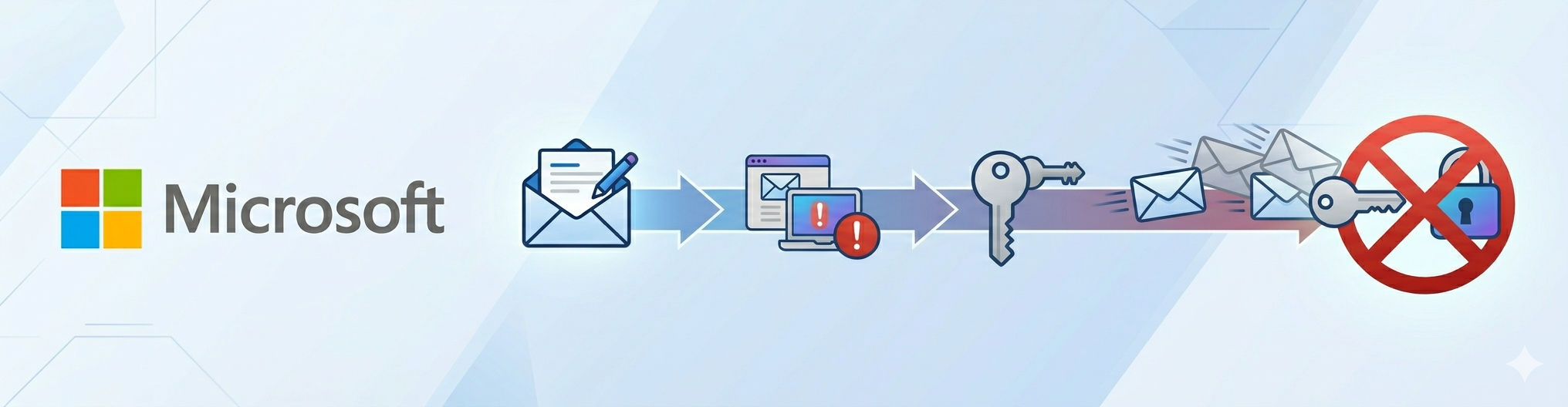
Microsoft has announced that it will be retiring support for SMTP AUTH (also known as “Basic Authentication” for SMTP) in 2026. Once this change takes effect, any application which is configured to use Microsoft SMTP endpoints for outgoing mail will no longer be able to send emails.
For MIDAS, if you’re using Microsoft’s SMTP servers, this means that booking confirmations, reminder emails, and other automated notifications sent from MIDAS would silently fail – potentially disrupting your organization’s scheduling and communications.
Here’s what you need to know, and what steps to take before the deadline.
What Is SMTP AUTH and Basic Authentication?
SMTP AUTH is a method that allows applications to authenticate with a mail server using a username and password in order to send outgoing email. It has been widely used for decades.
Why is Microsoft removing Basic Authentication and SMTP AUTH?
It’s worth noting that Microsoft’s decision to retire SMTP AUTH is driven by their own platform strategy around modern authentication – it doesn’t mean that sending email via SMTP is inherently insecure. Under the hood, SMTP works the same way it always has, and the username/password authentication used by SMTP hasn’t fundamentally changed. What Microsoft is retiring is the ability to authenticate to their mail servers this way, as they push users towards OAuth-based access within their ecosystem. MIDAS does not currently support OAuth, but this is not a concern — there are plenty of reliable, independent SMTP providers that continue to support standard SMTP authentication without any issues.
Are You Affected?
You may be affected if your MIDAS booking system’s outgoing email settings are currently configured to use any of the following SMTP servers:
- smtp-mail.outlook.com — used by personal Outlook.com/Hotmail accounts
- smtp.live.com — an older endpoint also associated with Outlook.com/Hotmail/Live accounts
- smtp-legacy.office365.com — a temporary fallback endpoint for Microsoft customers that stilled relied on SMTP AUTH after the initial Basic Auth deprecation push.
- smtp.office365.com — An Exchange Online endpoint used by Microsoft 365 services.
- outlook.office365.com — another Exchange Online endpoint sometimes used in place of smtp.office365.com
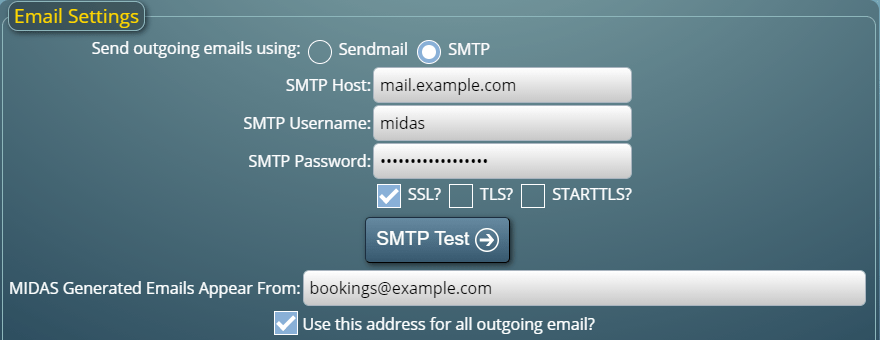
You can check your current email sending settings via MIDAS Admin Options > Email.
The good news is that the fix is straightforward, and we’ve made it as easy as possible for MIDAS customers.
For Cloud-Hosted MIDAS Customers
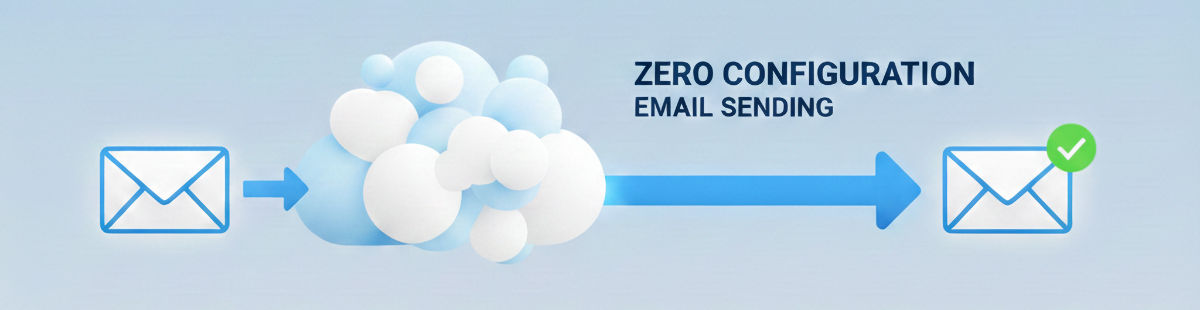
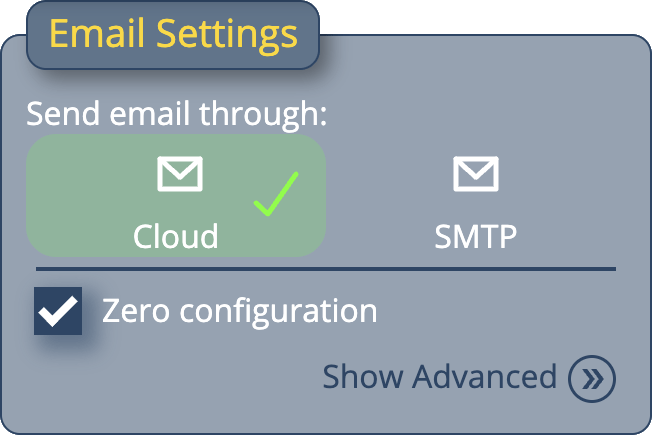
If you’re on our cloud-hosted platform, we have the simplest possible solution for you: switch to MIDAS’s built-in Zero-Configuration Email Delivery.
This option requires no SMTP credentials, no third-party accounts, and no technical configuration on your part. MIDAS handles email delivery on your behalf, so you don’t need to worry about SMTP servers at all. You can find full details on how to enable this feature in our dedicated guide:
👉 Zero-Configuration Email Delivery for MIDAS
We strongly recommend all cloud-hosted customers make this switch at their earliest convenience – and certainly before Microsoft’s 2026 deadline.
For Self-Hosted MIDAS Customers
If you run MIDAS on your own server or hosting environment, you’ll need to update your outgoing mail settings to use an alternative SMTP provider. Fortunately, there are several excellent options available, many of which offer generous free tiers that would suit most MIDAS installations.
We recommend the following providers:
SMTP2GO
SMTP2GO is a reliable, cloud-based email delivery service with a free tier that allows up to 1,000 emails per month. It’s straightforward to set up and works seamlessly with MIDAS’s outgoing mail settings. Simply create a free account, verify your sending domain, and update your MIDAS SMTP settings with the credentials provided.
Mailgun
Mailgun is another popular transactional email service offering a free tier for low-volume sending. It provides robust deliverability, detailed sending logs, and is well-suited for automated system emails like those generated by MIDAS. After signing up and verifying your domain, update your MIDAS SMTP configuration with your Mailgun credentials.
To update your SMTP settings in MIDAS, navigate to MIDAS Admin Options > Email and enter the new SMTP server details provided by your chosen transactional email delivery service.
Don’t Wait Until It’s Too Late
According to Microsoft, their revised SMTP AUTH Basic Authentication Deprecation Timeline is as follows:
- Now to December 2026: SMTP AUTH Basic Authentication behavior remains unchanged.
- End of December 2026: SMTP AUTH Basic Authentication will be disabled by default for existing tenants. Administrators will still be able to enable it if needed.
- New tenants created after December 2026: SMTP AUTH Basic Authentication will be unavailable by default. OAuth will be the supported authentication method.
- Second half of 2027: Microsoft will announce the final removal date for SMTP AUTH Basic Authentication.
While Microsoft’s deadline is the end of December 2026, we recommend customers make this change sooner rather than later.
Email is a critical part of how MIDAS keeps your staff and visitors informed – from booking confirmations to reminders and notifications. A disruption to outgoing mail can go unnoticed until someone realizes they never received a confirmation, which can cause real-world scheduling problems.
Taking a few minutes now to update your settings will ensure uninterrupted email delivery well into the future. If you have any questions or need assistance, please don’t hesitate to contact our support team – we’re happy to help.