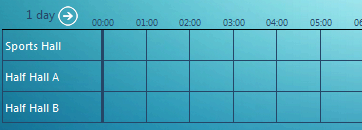
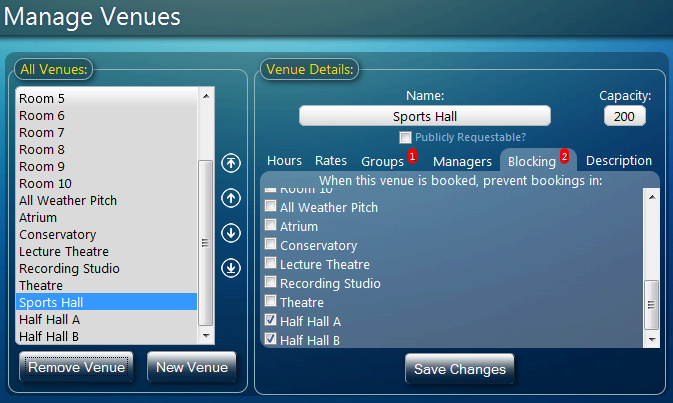
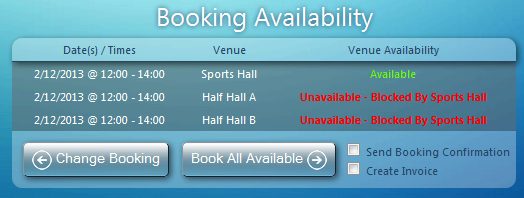
Well, it’s Black Friday once again (more about that later!), and if you’re a regular reader of our blog then you’ll already know about some of the upcoming features in MIDAS v4.05 including improved iPad and touch-screen device support and a new Venue “Blocking” feature.
So we thought we’d take a moment to reveal some of the other improvements you can expect with the next update to our powerful web based room scheduling solution, this time in Invoicing:
Improvements to Invoicing
Previously, the “Booking Notes” associated any booking for which an invoice was generated were automatically included in the “Invoice Notes” area of the corresponding invoice.
In MIDAS v4.05, you’ll be able to disable this behavior, or choose a different booking field (including custom fields) to include in the “Invoice Notes” section of your generated invoices.

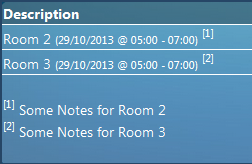
What’s more, we’ve included an “Itemize” option so for invoices containing multiple bookings, MIDAS can automatically denote which “notes” apply to which bookings:
After feedback from a couple of our customers, we’re also introducing a way to completely remove the “Tax” line from your invoices if you don’t charge tax, and don’t want to show a 0% tax rate on your invoices. In MIDAS v4.05, setting the “Default Tax Amount” blank (rather than just 0%) will hide the tax line on invoices where there is no tax element (existing invoices which contain a tax element will not be affected and will still show the tax line)
Now, back to Black Friday – if you’re not following us on Twitter (@mid_as), then right now you’re missing out on some incredible deals – for today only – for both new AND existing customers of our MIDAS web based room scheduling software
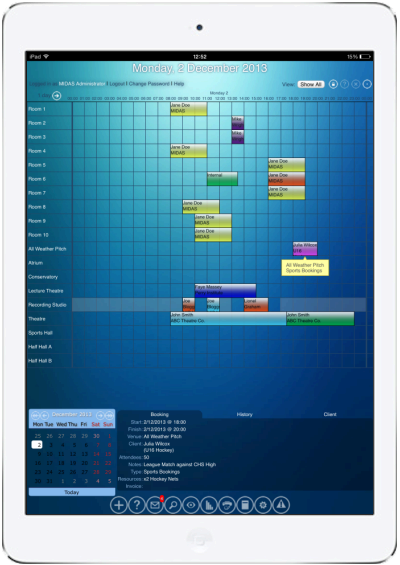
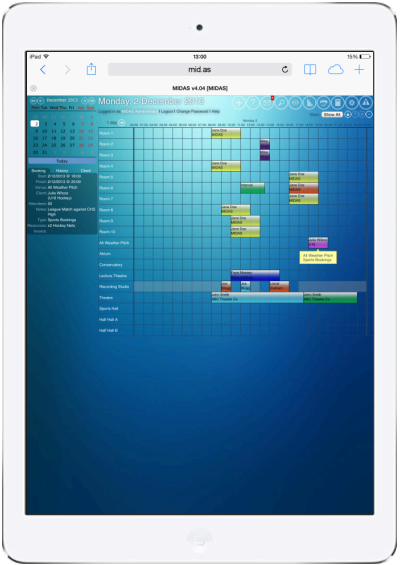
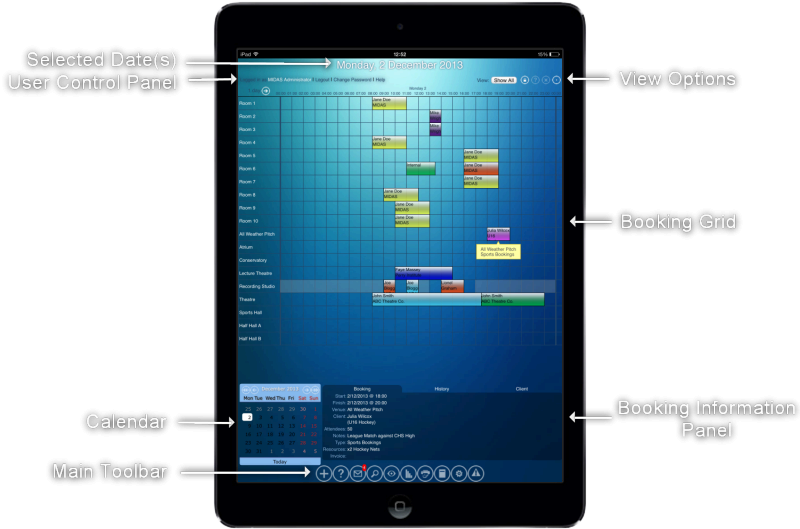
 If we take the “Add Bookings” screen as an example, this screen allows you to select one (or more) venues to add your booking to. This wasn’t an issue on a desktop, laptop, or other device with a keyboard, as multiple venues could be selected from the list by holding down “
 On touch-based devices such as iPads, this isn’t quite as easy! Our solution has been to replace these multi-select elements with checkbox elements, allowing easy selection of multiple items even from touch-only devices!
 For a while now, we’ve given you the ability to quickly move (reschedule) or copy (duplicate) bookings directly within the booking grid by simply dragging and dropping bookings whilst holding down a key (i.e.
  We’re also making it really easy to add MIDAS directly to your iOS Home Screen for quick one-click access to your bookings!