MIDAS v4.42 introduces a range of user interface (UI) and user experience (UX) improvements designed to make our booking software even faster, clearer, and easier to use. In this post, we’ll highlight some of the UI and UX improvements introduced in MIDAS v4.42.
If you follow our blog, you’ll already know about some of the new and improved features in v4.42. One example is the expansion of administrative permissions.
Administrative Area Improvements
The old “Manage MIDAS” screen has been split into separate sections, each now controlled by its own dedicated permission and accompanied by a unique icon.
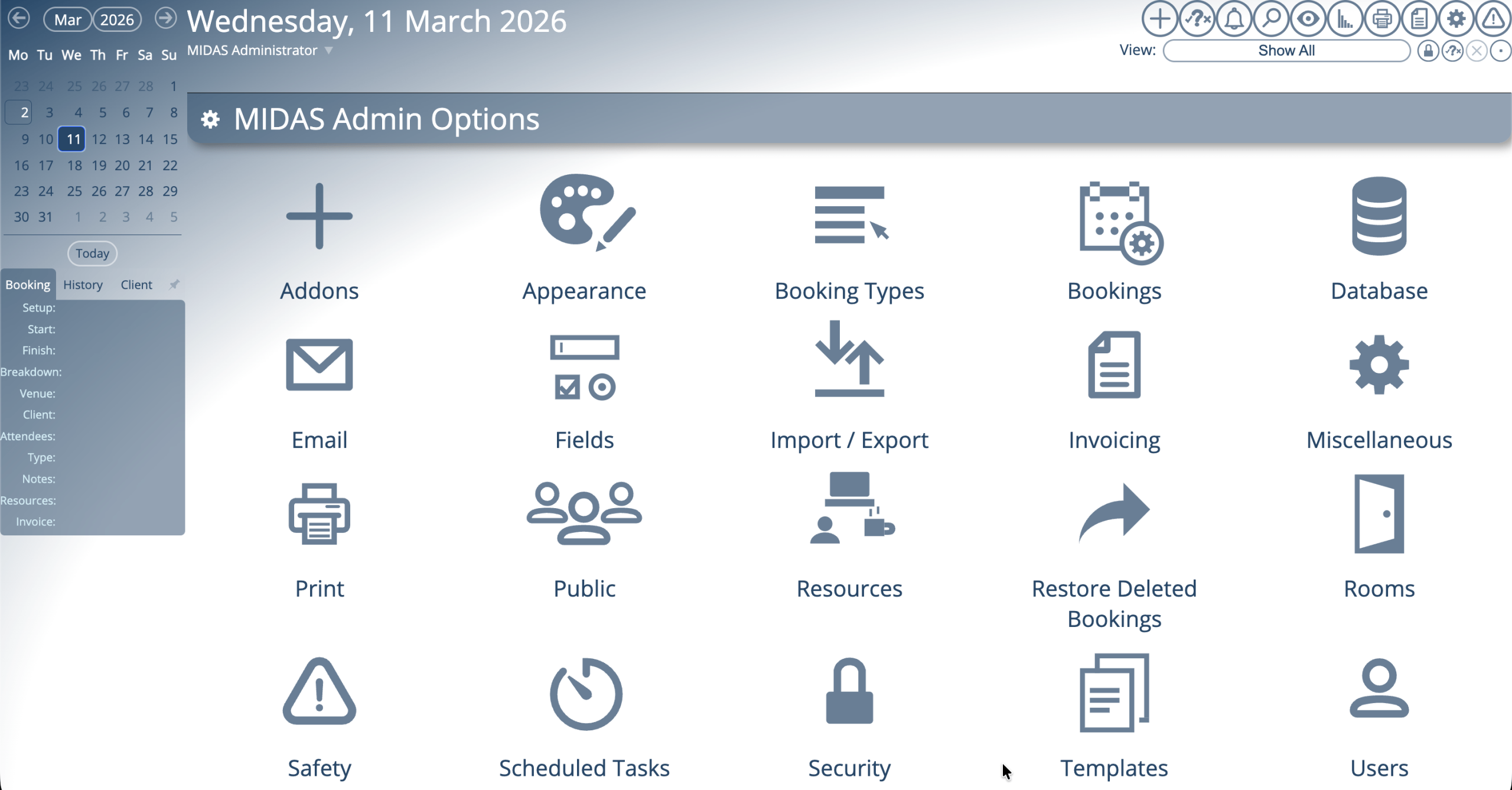
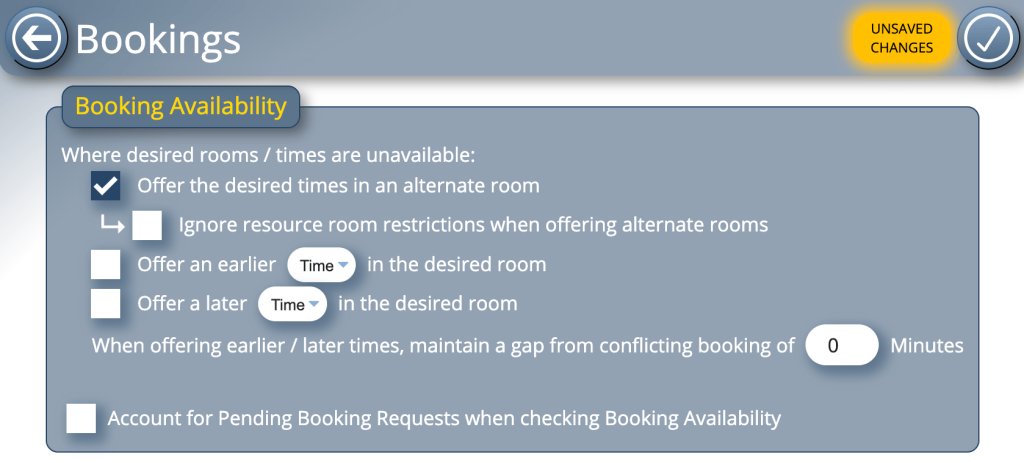
Changes have also been made within each administrative area. We’ve moved the previous “Save Changes” button from underneath the settings to being fixed in the top-right corner. This eliminates the need to scroll through lengthy settings pages to save changes.
We’ve also refined the way changes are saved within administrative screens.
Improved Save and Change Indicators
The addition of a new “Unsaved Changes” indicator alongside the new save button draws user’s attention to changes they’ve made to settings which have yet to be saved.
In addition to the UI and UX improvements in the administrative area, we’ve also improved the “Quick Tour” in MIDAS v4.42.
Enhanced Quick Tour Experience
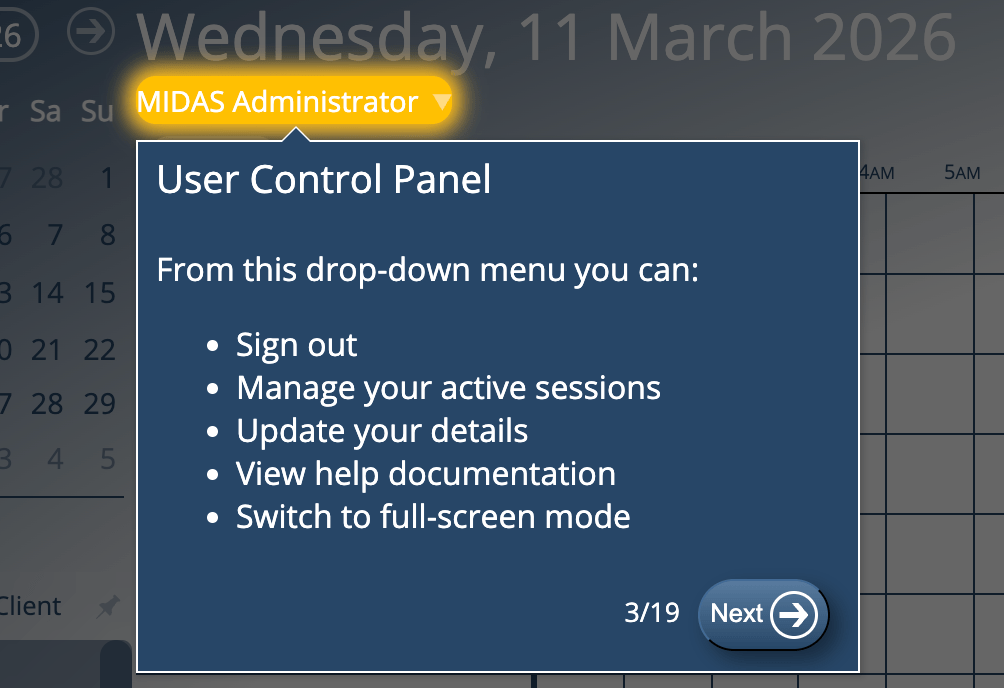
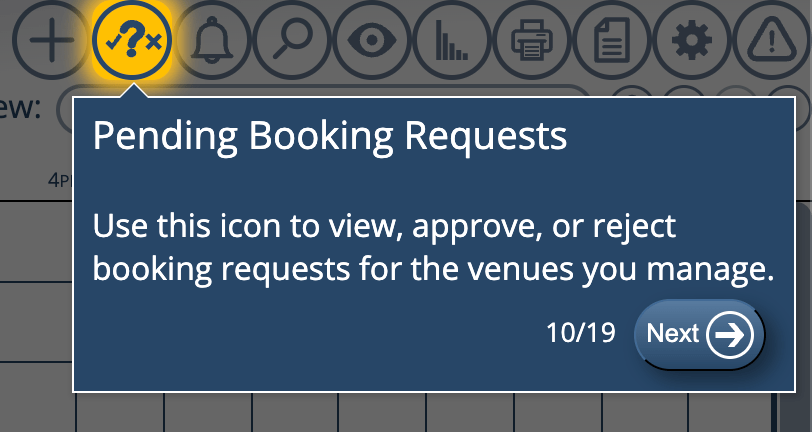
The “Quick Tour” is shown to new users by default upon their initial sign in. It provides a brief overview of the user interface and controls.
We have replaced outdated third-party code previously used to generate dynamic tooltips. In its place we’ve written new code for generating these tooltips. This has allowed us to make improvements, one of which is better highlighting of elements in the “Quick Tour”.
These updates reflect our ongoing commitment to making MIDAS both powerful and easy to use. By continually refining the interface and enhancing usability, we help administrators and end users work more efficiently every day.
If you’re new to MIDAS, start your free trial today and experience the improvements firsthand.